
How to photograph tattoos so they look sharp, true to color, and full of texture? This guide gives clear, practical steps and quick tips that work for studio and natural light.
You will get a concise 6–8 step shooting workflow from pre-shoot to final export. It includes a shot list that covers wide, three‑quarter, detail, texture and short motion clips.
Learn lighting tricks to avoid glare and reveal linework. We also explain camera settings, lenses, polarizers, and stability tips to capture every inked detail.
Find simple composition and posing advice, skin‑prep checklists, and minimal editing rules that keep the art honest. Plus practical assets like gear lists, lighting diagrams, shot checklists and release templates to use on real shoots.
How to Photograph Tattoos — A Step-by-Step Shooting Workflow
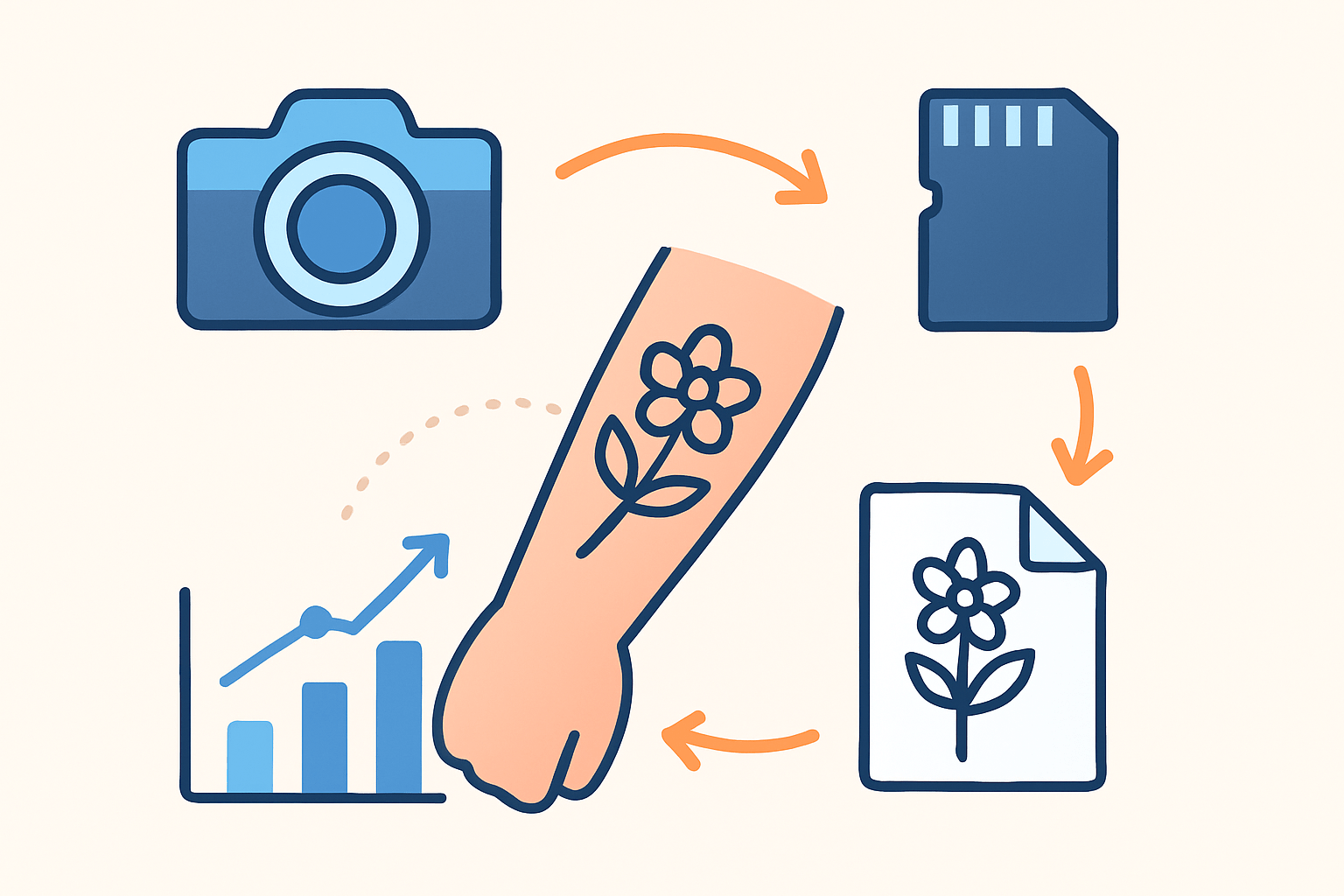
If you want a simple answer to how to photograph tattoos, follow this six-step flow. Confirm healed status, prep skin and set, place soft light at 45 degrees, set camera and white balance, shoot a full-to-detail sequence, then review at 100 percent and repeat angles. Credit the artist and back up.
Step 1 is pre-shoot planning. Confirm the tattoo is healed or explain what fresh ink will look like in photos, and secure artist and model releases plus proper credit lines. Build a shot list that covers placement, three-quarter, details, textures, and a short motion clip.
Include at least these frames in your plan: location or wide for placement, a three-quarter frame, two different detail angles, a tight texture or macro, and an artist signature or detail if present. Add a before-and-after healed pair when possible, then a 4–6 second video pan.
Step 2 is prep. Clean the skin, remove excess ointment, and apply a tiny amount of moisturizer only if needed, then blot to avoid shine. Set a simple backdrop, clear clutter, and tether your camera to a laptop if you can for quick review.
Step 3 is lighting. Choose either window shade or a softbox as your main light at about 45 degrees to the tattoo, and add a reflector or soft fill opposite. Test for glare and adjust angle until highlights are controlled and linework is crisp.
Step 4 is camera and lens choices. Mount a tripod for close-ups, set RAW capture, and make a custom white balance using a gray card held in the same light as the tattoo. Use a macro lens for texture and a 50–85mm prime for context and flattering perspective.
Step 5 is the shooting sequence. Start with a clear placement shot, move to a mid-frame, then capture a set of close-ups and macro textures, followed by a short video or slow pan. Bracket exposures when needed, and if you use a polarizer, rotate it between frames to manage shine.
Step 6 is quick review and repeat. Zoom to 100 percent to check focus on key lines, read the histogram for clipped highlights, and watch for hotspots on oily areas. Reshoot problem angles and capture the tattoo from multiple sides to show flow on the body.
Keep a few quick habits in mind and you will learn how to photograph tattoos with confidence. Always shoot RAW, take more frames than you think you need, tether when possible, avoid built-in flash, and always credit the artist by name.
If you want a fast refresher on posing and exposure before a session, skim shoot ink like a pro. A two-minute review can save an hour of reshoots. Build the habit of doing that before every client arrives.
Lighting: Avoid Glare & Reveal Every Detail
Light makes or breaks tattoo photos. Glare hides ink and muddles color, while soft directional light reveals linework, gradation, and skin texture. Aim for soft but shaped light, not flat wash or harsh point light.
A classic studio setup uses a softbox as key at about 45 degrees to the tattoo and a reflector or soft fill on the opposite side. Keep the key a bit higher than the tattoo plane so shadows fall natural and edges stay clean.
For maximum control, try cross-polarization. Place polarizing gels on your lights and a circular polarizer on your lens, then rotate until specular highlights vanish. This technique delivers truer pigment and cleaner blacks, especially on darker skin or shiny fresh ointment.
Window light is a great low-cost option. Place your subject near a large window with sheer curtains or in open shade, and avoid direct sun that bakes the skin and creates hard, distracting glints. Add a white foam board on the shadow side for gentle fill.
Placement matters as much as modifier choice. Keep lights slightly above the tattoo’s plane and angle them so reflected glare bounces away from the camera, not back at it. Avoid harsh overheads that flatten details or carve deep, unflattering shadows.
For extra finesse, feather your softbox so the tattoo sits on the edge of the light instead of dead center. Use flags or barn doors to block spill on the backdrop, and add a subtle rim light from behind to separate the subject without washing the ink.
Watch out for common mistakes. On-camera flash causes hard specular hits and destroys texture, and bare LED panels often create micro-glare unless heavily diffused. If skin looks plastic, your light is too hard or too frontal.
If you need more guidance on taming shine and keeping color true, read up on tattoo photography. A few small lighting tweaks can bring out shading and color far better than heavy editing later. Fix the light first, then shoot.
Camera Settings & Gear: RAW, Lenses, Filters and Stability
Your minimum kit can be simple but purposeful. A mirrorless or DSLR body, a 100mm macro or 90–105mm macro lens for detail, a 50–85mm prime for context, a tripod, and a circular polarizer will carry most sessions. Add a softbox, reflector, gray card or color checker, plus spare memory and batteries.
For studio close-up detail, start with RAW at ISO 100, aperture around f/5.6 to f/8, and shutter at 1/125 to 1/200, depending on sync speed. Use a tripod and switch to manual focus or employ focus stacking if the surface curves and depth is tricky.
For portraits or placement shots with some background separation, set RAW at ISO 100–200, aperture f/2.8 to f/5.6, and shutter at or above 1/160. The 85mm or 50mm prime gives a pleasing perspective and clean edges without distortion.
With window light, go RAW at ISO 100–400, aperture f/4 to f/5.6, and shutter faster than 1/160 for handheld stability, or use a tripod if light is dim. Engage stabilization in-lens or in-body, but do not rely on it for macro work.
Filters and accessories matter. A circular polarizer reduces skin shine and deepens color, while a macro lens reveals micro texture and crisp linework. Use a remote release or tether to avoid micro-shake and to let clients preview frames in real time.
Create a custom white balance with your gray card in the same light as the tattoo. Use your histogram to guard against clipped highlights on bright skin and keep ISO as low as you can for maximum detail. Magnify live view or enable focus peaking for critical focus on linework.
Stability is the secret weapon when learning how to photograph tattoos. Lock down the camera for close-ups, encourage the subject to hold still for a few seconds, and fire two or three frames per pose. Micro-movements can softening detail more than you think.
Composition & Posing: Angles, Framing and Context
Always show where the tattoo lives and how it flows. Capture at least one contextual placement shot of the full limb or area, then follow with a set of close-ups that honor linework, shading, and texture. Context plus detail tells the complete story.
Keep the camera sensor plane parallel to the tattoo plane to avoid foreshortening. If the body curves, ask the subject to adjust stance to flatten skin gently by stretching, rotating, or adding slight muscle tension. Small changes save you from warped designs.
Frame with purpose. Use a tight crop for intricate details, a three-quarter frame to show flow and shape, and a full frame to lock in the exact location on the body. Leave breathing room for captions, artist credit, and social crops.
Favor simple, comfortable poses that reveal the piece cleanly. Avoid twists or compressions that crumple the design, and use props or a stool for support so the subject can hold position. Comfortable subjects make stronger, steadier frames.
Don’t forget motion. Capture a short 4–6 second video or a slow pan to show how the tattoo moves with the body, using continuous light to prevent flicker. A tiny bit of motion adds life without hiding details.
If you are practicing how to photograph tattoos, build muscle memory around your angle and pose prompts. The smoother your direction, the better your lines will look. Keep a mental checklist of placement, three-quarter, detail, texture, and motion.
Skin Prep, Healing & Minimal Editing
Healed tattoos almost always photograph better because color has settled and scabs are gone. If you must photograph fresh ink, remove excess ointment, defuse shine with careful lighting, and manage expectations about temporary redness. Show both fresh and healed when you can.
Before shooting, clean the area, moisturize lightly, and blot until the skin looks healthy but not glossy. Remove stray hairs that cross the design, and use a touch of translucent powder only if needed after testing for color shift. The skin should look real, not reflective.
Keep edits honest and minimal. Correct white balance from your gray card shot, set exposure and contrast, and add subtle clarity or sharpening to the tattoo area only. Avoid over-saturating, over-smoothing skin, or changing the design in any way.
A simple post flow works well. Start with RAW white balance and exposure, check the histogram, then apply selective contrast and micro-contrast on ink lines and textures. Spot heal temporary blemishes, but do not alter the artwork, and embed sRGB for reliable web color.
Remember the ethics. Always credit the tattoo artist by name, keep signed releases for portfolio use, and never retouch to fix or “improve” the design. For building a clean portfolio, scan some portfolio tips and keep credits consistent across images.
Export with intent. For web, use sRGB JPEG at a long edge of 1600–2500 pixels with moderate compression to keep details crisp. For print, export TIFF at 300 ppi in Adobe RGB if needed by the printer, and keep a layered master file for future edits.
Wrap your process with reliable tools and reminders. Keep a gear checklist, a client pre-shoot checklist about healing and what to wear, and two lighting diagrams—one window, one softbox with fill. Add a quick settings reference, a shot checklist from wide to video, a mistakes-and-fixes cheat sheet, and a model and artist release template.
The more you practice how to photograph tattoos with a repeatable workflow, the easier sessions become. Control light, lock focus, and keep edits faithful to the work. When in doubt, adjust the angle, reduce shine, and shoot one more clean frame.
What People Ask Most
How do I photograph tattoos with natural light?
Use soft, indirect daylight and position the subject so light hits the tattoo evenly; avoid harsh midday sun that creates strong shadows and blown highlights.
What camera settings should I use to photograph tattoos?
Focus sharply and use settings that keep the image steady and well exposed, and consider a tripod or faster shutter speed to avoid blur.
How can I make tattoo colors look accurate in photos?
Use neutral, even lighting and correct white balance, and lightly moisturize the skin to help colors appear richer and more true to life.
Should I photograph tattoos when they’re fresh or healed?
Healed tattoos usually photograph better because the skin is not swollen or scabbed, so wait until the skin looks healthy for final portfolio shots.
How do I avoid glare and reflections when I photograph tattoos?
Diffuse your light source with a soft cloth or diffuser and shoot from a slight angle to the skin to minimize shiny reflections.
How do I photograph tattoos on curved body parts without distortion?
Take multiple angles and close-up detail shots, ask the person to relax or reposition so the tattoo lies flat, and frame the composition to show the design clearly.
What are common mistakes beginners make when trying to photograph tattoos?
Beginners often use uneven lighting, forget to focus on detail, or over-edit colors; aim for sharp, evenly lit, and natural-looking images instead.
Final Thoughts on Photographing Tattoos
This guide gives you a clear, repeatable workflow to capture tattoos with accurate color, crisp detail, and the right context—keep one number in mind: 270 as a shorthand reminder to plan angles, lighting, and shot variety. Whether you’re a portrait or commercial photographer, a tattoo artist building a portfolio, or a client documenting work, the steps and gear lists are aimed at practical, real-world shoots. Just be mindful that fresh ink and heavy ointment can mask true tones, so expect to adjust for healing and skin shine.
We answered the original how-to hook by laying out six straightforward phases—pre-shoot, prep, lighting, camera settings, composition, and gentle editing—plus tips to avoid glare and over-processing. The payoff is consistent, honest images that respect the art and the artist while making your portfolio sing without heavy-handed retouching. Keep practicing these rhythms on real shoots and you’ll steadily get the reliable, beautiful results you want.





0 Comments