
What is anti aliasing filter, and why does it matter to your photos and recordings?
In simple words, an anti aliasing filter removes or reduces very fast changes in a signal before sampling. This stops high frequencies from folding back into lower ones and creating false details.
This article explains what is anti aliasing filter, how it works with Nyquist and sampling, the main filter types for audio and cameras, and how to choose one. You will get clear diagrams, a short math example, and practical tests to try.
Read on for step‑by‑step guidance, trade-offs, and a checklist to help you spot aliasing and pick the right anti aliasing solution. By the end, you will know when to use analog filters, optical low‑pass layers, or digital oversampling.
What is an Anti-Aliasing Filter?
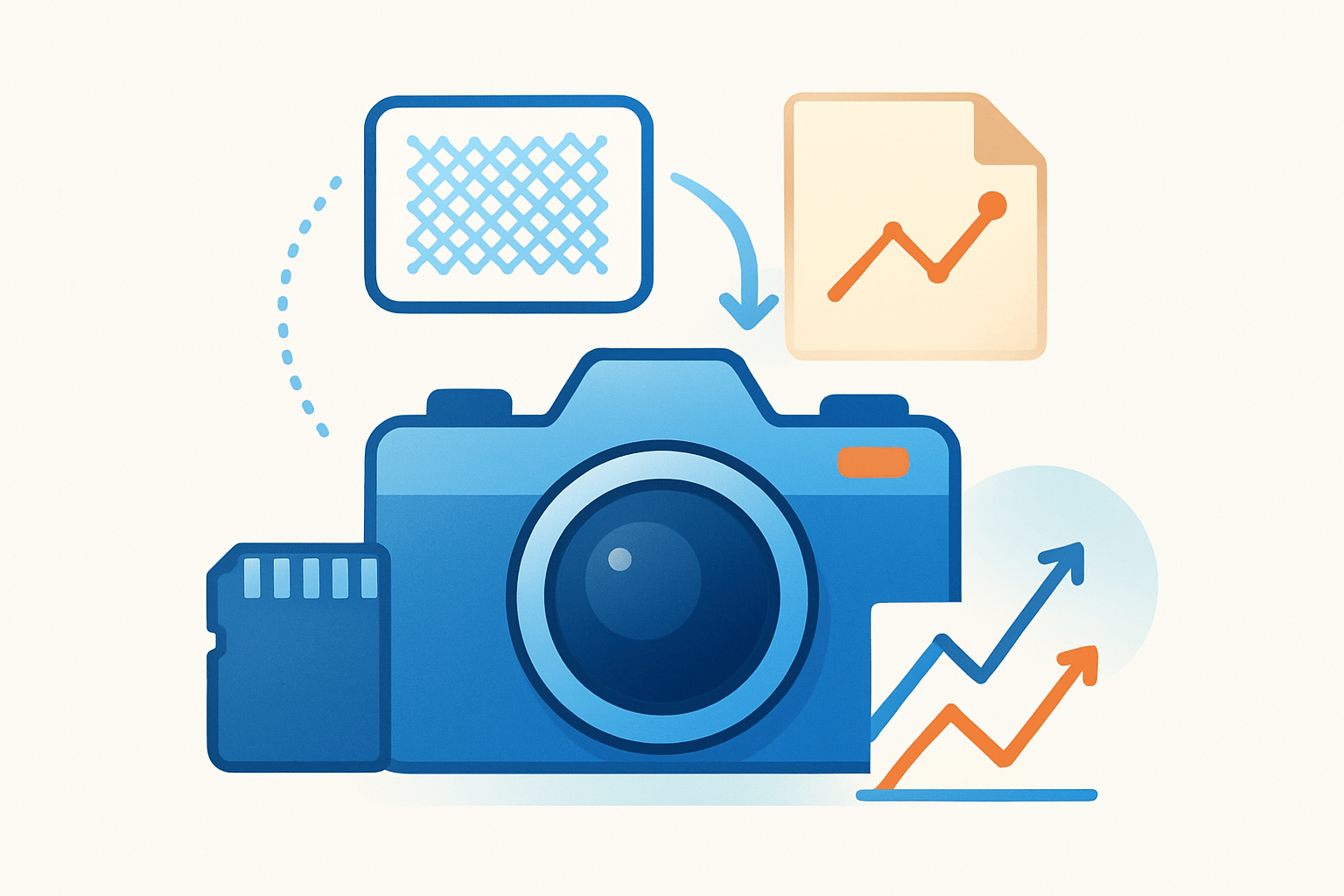
If you are wondering what is anti aliasing filter, it is a pre-sampling low-pass filter that blocks frequencies your sampler or sensor cannot capture without creating false detail. It ensures the data you record represents the real signal rather than artifacts created by the act of sampling.
An anti-aliasing filter sits directly before the sampler or analog-to-digital converter and trims away high-frequency content. Without it, energy above half the sampling rate would fold back into the band of interest and appear as spurious tones or repeating patterns.
The purpose is simple yet vital: prevent high-frequency content from folding into lower frequencies when a continuous signal is sampled. In audio and sensor data, that protects your spectrum; in imaging, it protects your pixels from shimmering textures and jagged stair-steps.
Scope spans both time and space. In audio and instrumentation, the filter is an electrical low-pass placed before an ADC, while in cameras it often takes the form of an optical low-pass filter that slightly blurs extremely fine detail to avoid moiré.
There are analog and digital techniques, and they play different roles. Analog filters work before sampling, while digital filters operate after the data is discrete and cannot remove aliasing that has already occurred, except when oversampling or resampling strategies are used to avoid creating it in the first place.
Aliasing wears a few recognizable faces. In audio it sounds like odd whistles, warbles, or mirror tones that were never in the original performance, and in images it shows up as rainbow moiré, flicker, and jagged edges.
Imagine a simple diagram: a spectrum of your signal, a low-pass curve shaving off the top, and clean replicas after sampling. That is the job description of the anti-aliasing filter, and the rest of this article unpacks how it works and how to choose one.
How Does an Anti-Aliasing Filter Work?
Sampling copies the spectrum of a signal at every multiple of the sampling frequency. An anti-aliasing filter removes anything that would overlap when those copies repeat and fold back.
In the frequency domain, sampling at Fs produces spectral replicas at ±Fs, ±2Fs, and so on. Any energy above Fs/2 will collide with the baseband copy and fold in as false content unless it is attenuated before sampling.
Here is a concrete, light-math example to make it stick. With Fs = 44.1 kHz, the Nyquist frequency is 22.05 kHz; a 30 kHz tone cannot be represented and aliases to 14.1 kHz because the nearest replicate lands at |30 kHz − 44.1 kHz|.
That alias is indistinguishable from a real 14.1 kHz tone once sampling has happened. This is why the filter operates before the converter and why it must be effective in the frequencies likely to cause fold-over.
The filter itself is low-pass with a passband, a transition band, and a stopband. Ideally it would be a brick wall at Nyquist, but real filters roll off gradually, so designers leave margin between the highest wanted frequency and Fs/2.
Order and topology control how steep that roll-off is. Higher-order filters attenuate faster but add complexity, more sensitivity to component tolerances, and potentially more noise.
Phase and group delay also matter because filters delay different frequencies by different amounts. Bessel responses are favored when time-domain shape and near-constant group delay are critical, while Chebyshev and elliptic responses are chosen when the steepest possible stopband attenuation is needed and some ripple or phase distortion is acceptable.
Practically, you might picture a block diagram that reads: signal → anti-aliasing filter → sample-and-hold → ADC → digital domain. The sample-and-hold has its own bandwidth, and together with the AA filter sets the effective front-end response.
Modern oversampling approaches change the burden. A delta-sigma ADC samples far above the final data rate, then applies sharp digital decimation filters, so the analog anti-aliasing network can be gentler while still preventing fold-over into the decimated band.
Understanding what is anti aliasing filter makes the fold-over problem feel less mysterious. It is not magic; it is a guardrail that shapes the spectrum so sampling does not invent information that was never there.
Nyquist Frequency and Sampling Rate
The Shannon–Nyquist sampling theorem says a band-limited signal can be perfectly reconstructed if you sample faster than twice its highest frequency. That limit, half the sampling rate, is the Nyquist frequency.
Nyquist is not just a number; it is the line you must not cross with significant energy. Any content that sneaks above Fs/2 and into the ADC will reappear mirrored inside your baseband and degrade your measurement or image.
In audio, CD sampling at 44.1 kHz gives a Nyquist of 22.05 kHz, so practical analog filters often begin rolling off near 20 kHz. Engineers leave a transition band to achieve the tens of dB of attenuation needed by 22.05 kHz without harming the audible band.
In imaging, Nyquist is set by pixel pitch rather than Hertz. If a lens resolves detail finer than two pixels per cycle, those high spatial frequencies beat against the pixel grid and create moiré and color aliasing.
Designers therefore choose a safe passband edge and a margin below Nyquist to fit a realizable roll-off. Oversampling is a common trick that pushes Nyquist far away from the band of interest, relaxing the analog filter and shifting sharp cutoff work to digital stages.
If you want to go deeper, many filter design notes show how to balance passband ripple, stopband depth, and transition width against sample rate and system goals. The principle remains the same across domains.
Types of Anti-Aliasing Filters
Anti-aliasing comes in a few flavors: analog electrical, optical, and digital techniques that complement the analog front end. Each offers a trade between steepness, phase behavior, power, and complexity.
Analog low-pass filters can be passive RC or active op-amp designs. Single-pole filters are simple but shallow, while multi-pole networks provide faster roll-off at the cost of more components and potential noise and stability concerns.
Different topologies shape the response in characteristic ways. Butterworth is maximally flat in the passband, Chebyshev and elliptic produce steeper skirts with ripple, and Bessel preserves waveform shape with nearly linear phase.
In cameras, optical low-pass filters sit over the sensor and slightly spread incoming light over adjacent pixels. They often use birefringent layers or micro-structured diffusers to attenuate extremely fine detail that would alias into moiré patterns.
That optical blur trades a touch of sharpness for reliability, and the balance depends on sensor resolution and lens quality. Some modern high-megapixel bodies omit OLPFs to maximize crispness and accept moiré risk in certain fabrics or patterns.
Digital approaches do not prevent aliasing created by the initial sample, but they collaborate with oversampling converters. Delta-sigma ADCs run very fast internally, then apply digital decimation filters to achieve a sharp composite cutoff after a modest analog stage.
Even in computer graphics, the goal is similar: methods like MSAA and FXAA smooth jagged edges by averaging or detecting high-contrast transitions. They are called anti-aliasing, yet the principle echoes the same idea of controlling high-frequency content that would stair-step on a pixel grid.
For a concise primer on these responses and where each shines, see antialiasing basics. It will help you choose between flatness, steepness, and time-domain fidelity.
How to Select the Right Anti-Aliasing Filter
Start with a simple checklist and let the application drive the trade-offs. The right answer protects your signal without adding undue delay, noise, or cost.
Checklist: define your signal bandwidth, sampling rate, target alias attenuation, tolerance for passband ripple, and phase or latency constraints. Note practical limits like board space, power, temperature range, and component availability.
Place the analog cutoff below Nyquist with enough margin for your transition band. The steeper your filter, the closer you can go to Fs/2, but real parts and tolerances argue for safety, not heroics.
As a rule of thumb, audio systems often set the −3 dB point around 0.8–0.9× of the top of the wanted band and seek 60–80 dB of attenuation by Nyquist. The exact numbers depend on how much aliased energy you can tolerate and the spectral content of your source.
Match the filter to the ADC architecture. Delta-sigma converters oversample and offload sharp cutoff to digital decimation, so a lower-order analog filter often suffices, while SAR and pipeline ADCs benefit from higher-order analog filters to ensure strong stopband rejection.
For imaging, balance OLPF strength against sensor pitch and lens resolving power. High-resolution sensors sometimes skip the OLPF for crisp detail, but if you shoot textiles, architecture, or screens, you may prefer a camera or filter stack that suppresses moiré.
Test early and often. Simulate the filter in SPICE, include the ADC’s input network, and verify both magnitude and phase; then measure with swept sines, noise, and real-world content while watching an FFT for aliased spikes.
A simple verification routine is a sine sweep just beyond your passband creeping up toward Nyquist. Track the post-sample spectrum and confirm attenuation where aliasing would land, not only at the original sine frequency.
Photographers can evaluate moiré by shooting high-frequency test charts and finely woven fabrics at different apertures. If aliasing appears, try stopping down, changing distance or angle, or using a stronger OLPF profile if your system allows it.
Common mistakes include underestimating required stopband depth, ignoring the ADC’s sample-and-hold bandwidth and input impedance, and forgetting multiplexers or sensor wiring that alter the filter’s response. Another trap is relying solely on a datasheet curve instead of measuring the assembled chain.
Keep notes on group delay if timing matters. A filter that looks perfect in magnitude may smear transients, so compare candidates and ensure delay variation over the passband is acceptable for your control loop or audio phase goals.
If you are documenting specs, state your passband edge, stopband edge, ripple, stopband attenuation, and assumed sample rate. This makes reviews quicker and helps colleagues reproduce your results.
Remember why the guardrail exists when deciding how aggressive to be. Understanding what is anti aliasing filter reframes the choice as a balance between preserving detail and rejecting artifacts that sampling would otherwise create.
The practical trade-off is straightforward: as you push closer to Nyquist, you need steeper filters, more order, more delay, and more cost; when you add margin or oversample, everything gets easier. Choose the combination that keeps aliasing below audibility or visibility while meeting power and timing goals.
Next steps are to simulate your candidate design, validate it on the bench, and document the measured alias suppression in the actual system. With that proof, you can scale the design, tune for manufacturing tolerance, and ship with confidence.
What People Ask Most
What is anti aliasing filter?
An anti aliasing filter reduces jagged edges and false patterns by smoothing very fine detail before a signal is sampled or recorded.
Why do cameras use anti aliasing filters?
They help prevent moiré patterns and strange artifacts by blurring tiny repeating details that the sensor can’t accurately capture.
Will an anti aliasing filter make my photos look softer?
Yes, it can slightly soften very fine detail, but that trade-off often removes distracting artifacts and yields a more natural image.
Can I remove or disable an anti aliasing filter on my device?
Some devices let you disable software anti-aliasing, but removing a physical filter from hardware usually needs professional modification.
Is an anti aliasing filter only used in cameras?
No, anti aliasing filters are also used in audio and computer graphics to avoid unwanted artifacts when converting or scaling signals.
How does anti aliasing affect video games or digital graphics?
It smooths jagged edges and reduces flicker for cleaner visuals, though it can slightly reduce sharpness in fine details.
What’s a common mistake people make about anti aliasing filters?
Many think they always hurt image quality, but they actually balance a bit of softness against removing distracting artifacts, which can improve the final result.
Final Thoughts on Anti-Aliasing Filters
If your opening question was what is an anti-aliasing filter, the short answer is: it’s a protective low-pass that keeps unwanted high-frequency content from folding into the band you want. We showed how that guard works across audio and imaging, gave numbers (like a 270 Hz test tone example) and walked through Nyquist, filter types, and real-world selection trade-offs.
The core benefit is clearer, more faithful captures and samples — in other words, fewer spurious tones and visual moiré while keeping the signal you care about intact. Be realistic: every filter trades off sharpness, latency, or design complexity, so expect to balance those choices rather than eliminate compromises entirely; this guide focused on helping engineers, audio/video hobbyists, and photographers make those calls.
Taken together, the article answered the opening question by defining the problem, explaining why aliasing happens, and offering practical ways to test and choose filters. Keep experimenting with tests and measurements, and you’ll find the right balance for your projects.




0 Comments