

whats a class 10 sd card? Want to know if it can handle your camera, drone, or phone?
This short guide explains the 10 MB/s minimum sustained write speed and the “10” inside the C symbol. You will learn when Class 10 is fine for Full HD and photos, and when to pick faster U3/V30 or A1/A2 cards.
We give quick tests, buying tips, and simple troubleshooting steps. By the end you will know if a Class 10 SD card is the right choice for your gear.
What Is a Class 10 SD Card?
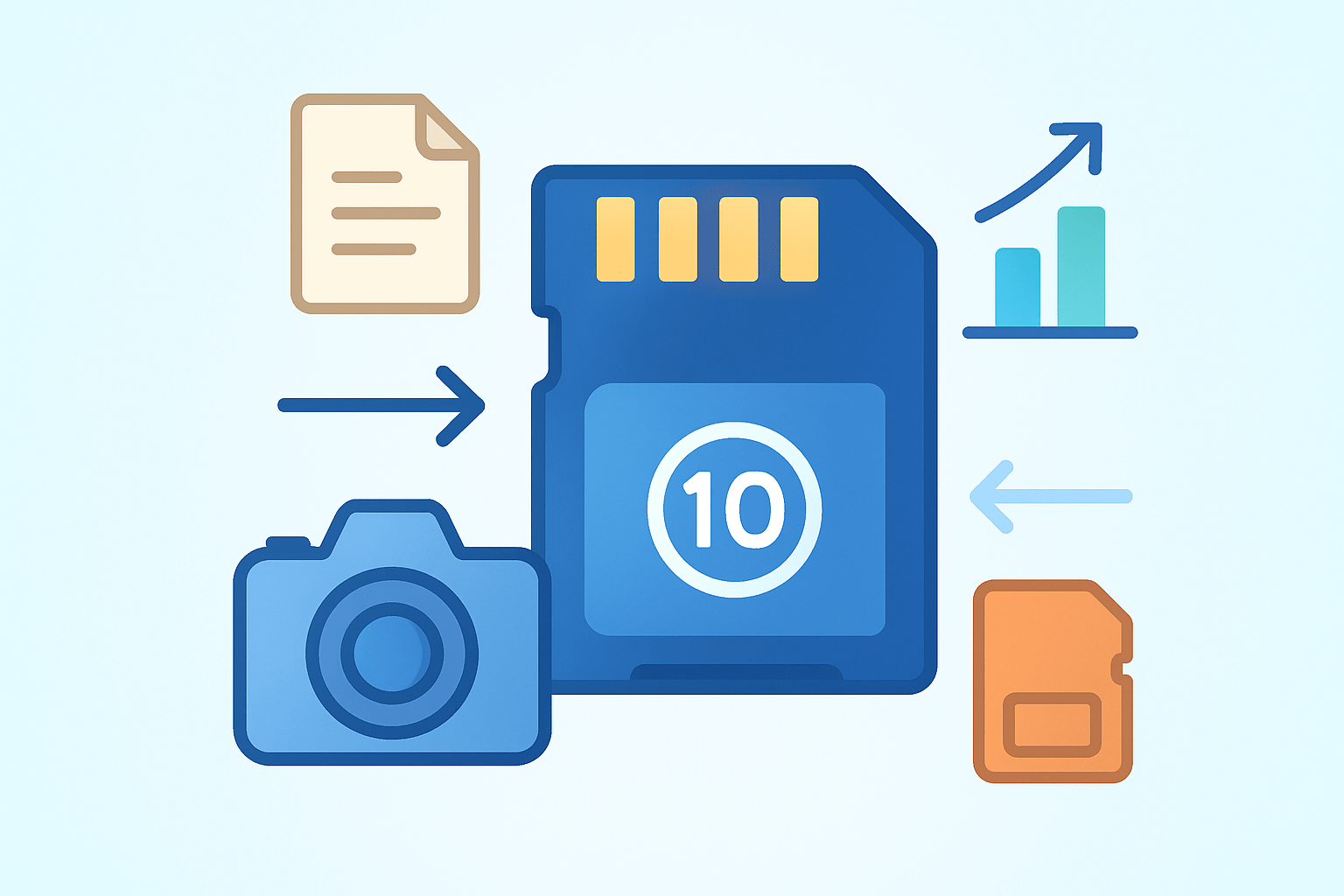
A Class 10 SD card is a memory card that guarantees a minimum sustained write speed of 10 megabytes per second for continuous recording and saving.
If you have wondered whats a class 10 sd card, think of it as a baseline for smooth Full HD video and quick photo bursts. It is not about how big the card is, but how steadily it can write data without slowing down mid‑shot.
The label appears as the number 10 inside a letter C on the card and on its packaging. You will see it across SD, SDHC, and SDXC cards, so the symbol applies to the whole family of form factors.
Class 10 refers to minimum sustained write speed, not peak or advertised read speed. It also does not tell you capacity, so a 16 GB and a 256 GB card can both be Class 10 if they meet the same write floor.
In everyday use, Class 10 is popular for Full HD video cameras, mirrorless and DSLR stills, and phones with microSD slots. It keeps camera buffers clearing fast enough for most casual shooting and avoids stutters in general recording.
The close‑up mark you are looking for is the tiny 10 inside a C printed on the front. The photo above shows that symbol so you can spot it at a glance.
For deeper background on the storage format itself, see the basics of an SD card, which covers types, sizes, and generations in plain terms.
Understanding SD Card Speed Classes
Speed classes exist to set simple floors for how fast a card can write data, because cameras need steady speed, not one‑time spikes. The oldest group is the plain Speed Class set: Class 2, 4, 6, and 10, each number matching its minimum sustained write in megabytes per second.
When buses got faster, the UHS Speed Class appeared with U1 and U3 labels. U1 aligns with a 10 MB/s floor, while U3 raises it to 30 MB/s, which helps for higher bitrate codecs.
Video Speed Class is the newer, more video‑centric label, marked V6, V10, V30, V60, and V90. The number again maps to minimum sustained write, and the higher ratings are built for 4K, 6K, and 8K workflows that need long, uninterrupted streams.
There is also Application Performance, shown as A1 or A2, which focuses on random read and write operations and IOPS. This matters more when a phone runs apps from a card than when a camera records long video files.
Look for symbols on the front of the card and on the box. You will see a circle with a 10 for Speed Class, a U with a number for UHS Speed Class, a V with a number for Video Class, and A1 or A2 for app performance.
All of these labels promise minimum sustained write speed rather than the glossy peak or read numbers printed in big type. Manufacturers often advertise read speeds because they look higher, but the classes tell you what the card can keep up with over time.
Bus type also matters because it sets the lane the data drives through. UHS‑I is common and plenty fast for many tasks, while UHS‑II adds a second row of pins and can massively speed up transfers if your camera and reader support it.
If you are still asking, whats a class 10 sd card in the middle of all these letters, the simple answer is that it is the basic Speed Class floor of 10 MB/s. For the official definitions and symbols, the SD Association page on Speed Class is the best quick reference.
Class 10 SD Card Minimum Write Speed
The Class 10 standard guarantees at least 10 MB/s of sustained write speed during continuous recording. MB/s means megabytes per second; do not confuse it with Mb/s, which is megabits per second, because eight bits make one byte.
This minimum matters because cameras write data nonstop when you shoot video or clear a burst of photos. If the card dips under the needed rate, you can get dropped frames, buffer slowdowns, or even corrupted clips.
To compare your camera’s video settings with a card, convert bitrate to megabytes per second. Use this rule of thumb: required MB/s equals the video bitrate in Mb/s divided by 8, then add 20 to 30 percent for safety.
For example, a 1080p clip at 24 Mb/s needs about 3 MB/s, so a Class 10 card is fine with room to spare. A 4K clip at 100 Mb/s needs around 12.5 MB/s, so Class 10 is borderline and a U3 or V30 card makes more sense.
Real‑world speed can be lower than the label due to card age, controller quality, and temperature. Small file writes and fragmented space also slow cards, as can a slow reader or an older camera bus.
Testing your card is easy with common tools. On a Mac, Blackmagic Disk Speed Test gives a clear sustained write readout, while Windows users can try CrystalDiskMark; h2testw is useful for verifying capacity and writing large blocks.
Use a good USB 3.0 or faster card reader and run multiple large sequential write tests to see the true floor. Test on an empty, freshly formatted card to mirror how your camera will use it.
Class 10 vs Other Speed Classes
Class 10 beats Class 6, 4, and 2 by guaranteeing a higher sustained floor. That extra headroom helps avoid hiccups in long takes and keeps still‑photo buffers clearing faster.
Class 10 and U1 both target the same 10 MB/s minimum, which is why some cards carry both symbols. If your device asks for U1, a Class 10 U1 card meets the spec, but a U3 card adds more safety.
U3 raises the floor to 30 MB/s and sits alongside V30 in the video family. V60 and V90 go higher for pro codecs, higher frame rates, and high‑resolution RAW or All‑Intra formats that demand more bandwidth.
A1 and A2 do not replace these video and write‑speed classes. They help with random I/O for apps and file browsing, which is nice for phones and tablets but not the deciding factor for continuous camera recording.
As a quick guide in words, Full HD shooting is well served by Class 10 or U1 cards. Most 4K cameras are happier with U3 or V30, and high‑bitrate RAW or 8K often calls for V60, V90, and sometimes UHS‑II support.
Compatibility is flexible, but performance follows the slowest link. A faster card in an older slot will run at the slot’s speed, and an older card in a new device may function yet fall short of the device’s video requirements.
Class 10 SD Card for Video Recording
So is Class 10 enough for video work today? For Full HD 1080p, it usually is, but it still pays to check your camera’s listed bitrate and add some headroom.
For 4K, a plain Class 10 card often falls short, especially with 100 Mb/s or higher profiles. Many 4K cameras and action cams ask for U3 or V30 to keep long clips clean from start to finish.
Action cameras and drones push cards hard with high bitrates and long recording sessions. A V30 or better card reduces thermal throttling risks and keeps the write stream steady during fast motion and complex scenes.
DSLRs and mirrorless bodies vary by codec and frame rate, so always follow the manual’s minimum card spec. If your camera offers All‑Intra or high‑bitrate log recording, step up to U3, V30, or even V60 depending on the mode.
Phones that record to microSD are fine with Class 10 for 1080p, but 4K clips benefit from U3 or V30 if the phone writes to the card. Many modern phones use faster internal storage, so the card becomes more of an archive than a capture drive.
Dashcams and security cameras care most about durability under constant writing. Even if the label says Class 10, choose “endurance” models designed for continuous overwrite cycles to avoid early wear and data loss.
On set, give yourself a margin by choosing a card rated above your minimum need. Format in the camera, rotate cards during long days, label them clearly, and copy footage to two places as soon as you can.
If you hit dropped frames or corrupt files, test the card’s sustained write speed and try a different reader. Reformat in‑camera, update firmware, and, if issues persist, move up to a higher class per the camera maker’s guidance or review a guide on how to choose a proper SD card.
When someone asks you, whats a class 10 sd card for video, you can answer with confidence. It is the safe starting point for Full HD, but 4K and above usually demand U3 or V‑series cards to keep your footage flawless.
What People Ask Most
Whats a class 10 SD card?
A class 10 SD card is a memory card labeled for steady write speeds, meant to handle tasks like recording video and taking photos without dropping frames.
How is a class 10 SD card different from other classes?
Class 10 cards are rated for faster sustained writing than lower classes, so they are better for video and burst photo shooting.
Do I need a class 10 SD card for my phone or camera?
If you shoot video or use fast photo modes, a class 10 card helps prevent glitches and slowdowns, otherwise lower-class cards may still work for basic storage.
Can a class 10 SD card improve video recording quality?
Yes, class 10 cards help keep video recording smooth and reduce dropped frames, especially for long or high-resolution clips.
Is it okay to use a class 10 SD card in older devices?
Most older devices accept class 10 cards but may not use the full speed; they will still work fine for storage and basic recording.
Do faster labels always mean better performance than class 10?
Not always—other speed ratings exist, but class 10 reliably indicates good sustained write speed for common tasks like video and photos.
What common mistakes should I avoid when choosing a class 10 SD card?
Avoid buying counterfeit or poorly reviewed cards and don’t assume every card with a class 10 mark performs the same—check compatibility with your device.
Final Thoughts on Class 10 SD Cards
Class 10 SD cards give you a guaranteed minimum sustained write speed of 10 MB/s, which translates to smoother Full HD video recording and faster buffer clearing for burst photography—so for many everyday shooters they’re a simple, reliable choice. If your camera pushes bitrates near 270 Mbps, though, expect to step up to U3/V30 or higher; bus limits, card age, and small-file writes can also slow real-world performance. This guide walked through the symbol meanings, speed classes, testing tips, and device recommendations so you can match a card to your gear.
Photographers shooting family events, travel, and most smartphone videographers will get the most value from a Class 10 card because it reduces hiccups and keeps workflow moving without fuss. We also flagged realistic limits—when specs call for U3/V30, endurance cards, or UHS-II speeds—and showed how to test and choose gear so you won’t be guessing at the checkout. Remember the opening question about what a Class 10 SD card does? Now you’ve got the practical answers and a simple path forward, so enjoy sharper shoots and fewer interrupted recordings.




0 Comments